
Blacksmith Master Warehouse: Finding and Moving Stored Stock
There is no warehouse building in Blacksmith Master. Here is where stock actually lives, how to move ore and ingots, and why resources get stuck.
Searches for a "Blacksmith Master warehouse" usually mean one of two things: a place to dump everything, or a way to get ore out of a stockpile and into a smelter. The game has no warehouse building. It has storage furniture, a shop-wide stock list, and three different ways to move items between them.
The ingot tiers→ explain the storage capacity numbers in that table.
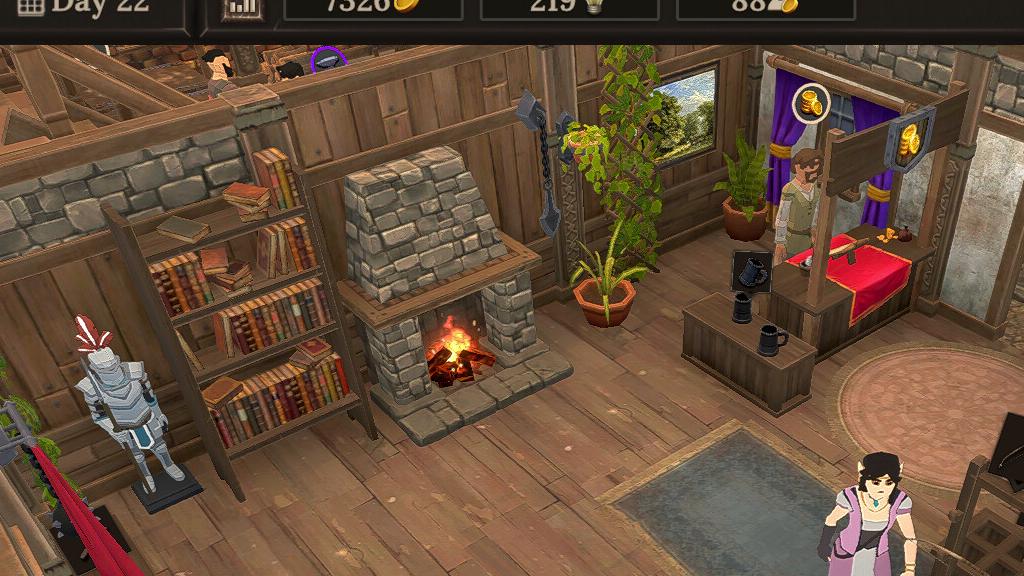
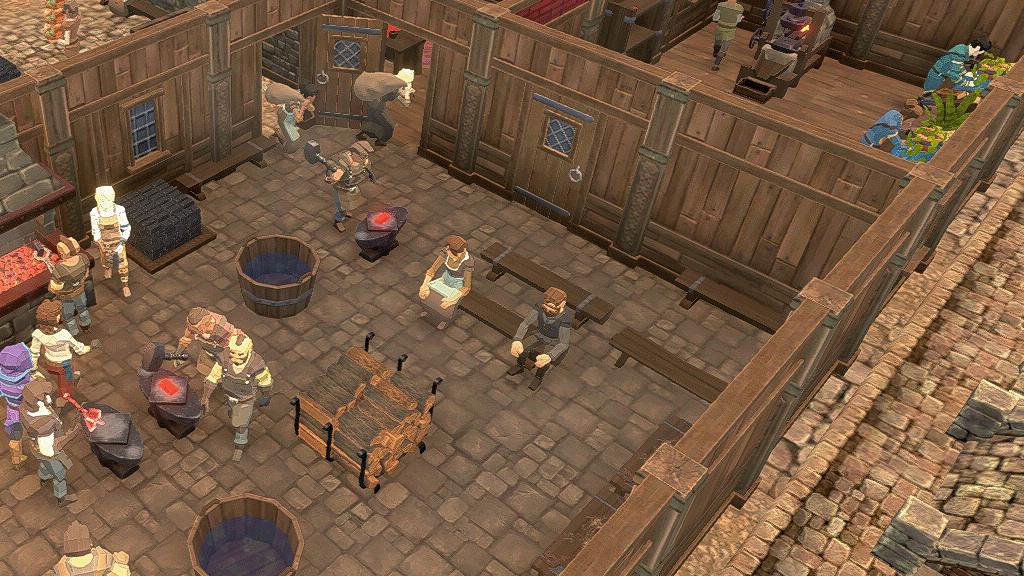
Ore lives in an Ore Crate, ingots in a Storage, wood in a Wood Pile, blueprints in an Item Chest. If a machine cannot find material, the material is in the wrong container.
The four containers that matter
| Container | Cost | Holds | Unlock |
|---|---|---|---|
| Storage | 200 | 225 tier-1 ingots, 150 tier-2, 90 tier-3 | — |
| Ore Crate | 250 | 40 ore | Smelting 1 |
| Wood Pile | 200 | 30 wood | — |
| Item Chest | 300 | Unlimited blueprints | Assistants |
A Storage also sells iron ingots at 30 gold each, an Ore Crate sells iron ore at 15, and a Wood Pile sells oak at 15. These purchases come from the shop's gold, not from the stock list, and they are the emergency valve when a gathering zone is empty.
The blacksmith master ingots→ page goes deeper on the exact numbers and edge cases.
The Item Chest is the exception to every rule: unlimited blueprints, used by assistants to restock racks, and if it is sold with blueprints inside, those blueprints are gone. Never sell an Item Chest without emptying it first.
Where gathered resources go
Ore, wood and gems do not appear in the shop the moment they are gathered. They are delivered to the shop's stock the next day, which is why a mine can look productive while the smelter sits idle.
That one-day delay is the reason to keep a buffer in every crate. If your ore crate is empty at the end of the day, tomorrow's delivery is already committed to tomorrow's craft.
Moving stock: three methods
1. Right-click restock. Right-click a container or rack to fill it instantly from the shop's stock. This is the fastest method and the one most players never discover. It works for ore crates, wood piles and display racks.
2. Assistant Transfer tasks. Assistants can run Transfer items, Transfer ingots (needs two matching ingot storages), Craft ingots, and Restock raw resources. Each task has a source and a destination; if those are set backwards, the assistant will cheerfully carry stock in a circle all day.
3. Manual drag. You can move items by hand while the game is paused. Useful for setting up a new room, useless for daily operations.
The source-versus-destination confusion is the single most common warehouse complaint. A transfer task needs the full container as the source and the empty container as the destination. Reversing them produces an assistant who walks a full loop and delivers nothing.
Why your resources are stuck
- Container is the wrong type. Ingots do not go in an Ore Crate. The smelter will not read them.
- Container is out of range. Stations pull from nearby storage. A cabinet on the third floor does not feed a ground-floor anvil.
- The item is in the shop stock, not in a container. Stock has to be placed before a station can use it.
- The assistant's task is reversed. Check source and destination.
- The container is full of a different metal. One cabinet, one metal type.
Work through that list in order. Nine times out of ten the answer is the first or the second.
Designing a stock room
The efficient pattern is a cross: storage in the middle, ore crate to one side, wood pile to the other, and the smelter or anvil within three tiles. Assistants path in a short loop and never cross the customer area.
Keep the stock room on the ground floor or in the basement. Upper floors are for production, because carrying material upstairs is time no one gets back.
Leave one tile of aisle around every container. Containers placed against each other still work, but assistants have to path around the whole block, which adds seconds to every trip and minutes to every day.
Stock and the 1.0 economy
The 1.0 item sets and siege machines consume large quantities of specific materials. A siege contract with a hundred parts will empty an ore crate and a storage cabinet before it is half done, which is why mature shops build stock rooms with four or five cabinets rather than one of each.
The rule of thumb: one cabinet per metal type you actively craft, plus one spare for overflow. Steel and iron alone justify four.
Does the warehouse ever fill up?
There is no global cap. Individual containers cap, and a full container simply stops accepting deliveries. The stock list itself is effectively unlimited, which is why the late game becomes a container-placement puzzle rather than a storage problem.
Official source: Hooded Horse wiki: Shop ↗ — storage, ore crate, wood pile and item chest costs and capacities. Official source: Hooded Horse wiki: Workers ↗ — assistant transfer and restock tasks. Official source: Hooded Horse wiki: Resource gathering ↗ — next-day delivery of gathered materials.
FAQ
Where is the warehouse in Blacksmith Master? There is no warehouse building. Stock lives in storage furniture; the stock list is a UI panel.
How do I get ore out of storage? Right-click the Ore Crate to restock it, or assign an assistant to Transfer items.
Why can't my smelter see my ingots? The cabinet is too far away, full, or holding a different metal.