
Blacksmith Master Steam Deck: Playable Rating and Settings
Blacksmith Master is Steam Deck Playable, not Verified. What that means in practice, how the UI handles 1280x800, and the settings that keep the shop readable.
Valve rates Blacksmith Master Playable on Steam Deck rather than Verified. That is the correct rating for a management game with small text and a mouse-first interface, and it is also not a reason to avoid the game. The difference between Playable and Verified here is legibility and input, not performance.
The system requirements page→ has the desktop equivalents.
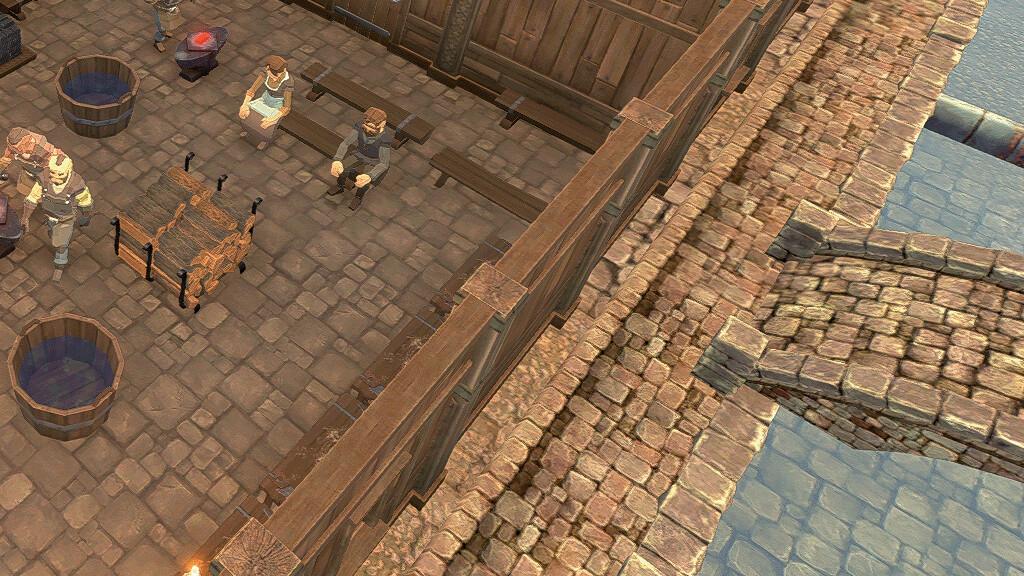
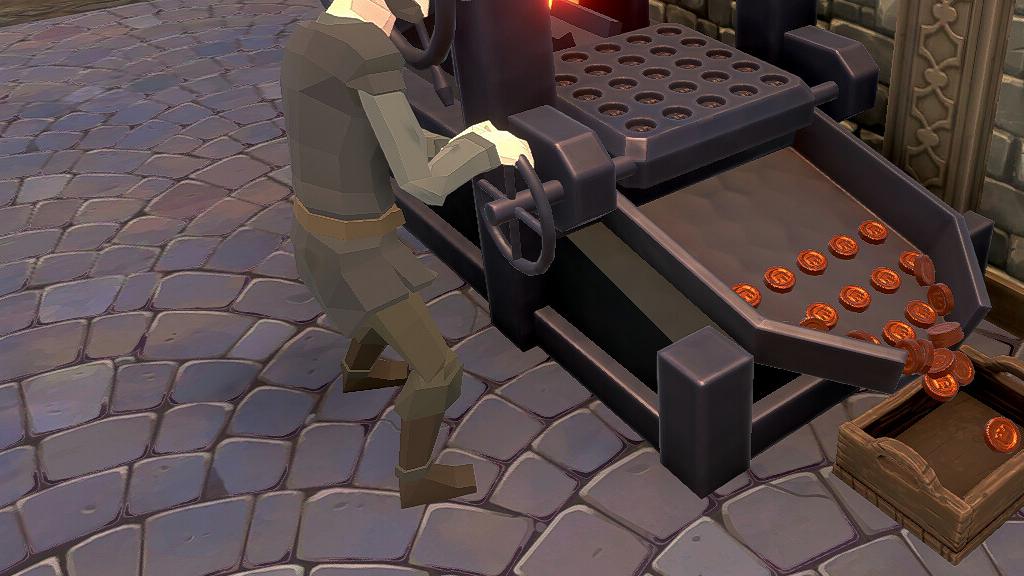
Turn on the game's adjustable text size and camera comfort options before your first day. The default UI is tuned for a 1080p monitor.
What Playable means
A Playable rating means the game runs, but at least one part of the experience needs attention: text may be small, controls may need a community layout, or some prompts may show keyboard glyphs.
The blacksmith master review→ page goes deeper on the exact numbers and edge cases.
For Blacksmith Master the practical issues are:
- Small text in the storage and blueprint panels.
- Mouse-oriented building — placing walls and racks is a cursor job.
- Camera comfort options exist, which suggests the developers expected close camera work on small screens.
The game ships with adjustable text size, adjustable difficulty, custom volume controls and a mouse-only option, all of which help on a handheld.
Resolution and aspect ratio
Blacksmith Master supports 16:10 resolutions including 1280x800, which is the Deck's native panel. That matters more than raw performance: a 16:9 game letterboxed on a 16:10 screen loses vertical space exactly where a management UI needs it.
At 1280x800 with interface scaling up, the shop is readable and the build grid still shows enough context to place a 6x6 rack.
Performance expectations
The minimum GPU is a GTX 650 with 1 GB of VRAM, and the game needs 4 GB of RAM and 2 GB of disk. The Deck's APU is comfortably above that class.
The game is CPU-light in the early shop and heavier later, when dozens of workers, customers and items path simultaneously. Expect the frame rate to drop in a packed five-floor shop with a full rack floor, not in the first ten days.
There are no official Deck performance figures, so treat any specific fps claim as anecdotal. The 1.0 update added 6x speed, which stresses the simulation more than the renderer; on Deck, 6x speed in a busy shop is the setting to test first.
Controls
The game is playable with a controller through Steam Input, but the honest recommendation is the trackpad. Building walls, dragging racks and selecting individual workers all reward a cursor.
A practical layout:
- Right trackpad as mouse, right trigger as left click.
- Left stick as camera pan.
- Bumpers as zoom.
- Back buttons for pause and speed.
Community layouts exist; check the layout browser before building your own.
Battery and heat
Management games are usually CPU-bound, and this one autosaves at day end, which produces a brief spike. Expect Deck-typical battery life for a 3D simulation — shorter than a 2D management game, longer than an action title. Plugging in for long sessions is normal.
Is it a good Deck game?
Yes, with one condition: play it in handheld mode for short sessions and dock it for renovation days. The game's rhythm is day-based, which suits a fifteen-minute session, but the shop-building phase wants a bigger screen.
The 6x speed toggle makes short sessions productive. A docked Deck with a mouse is effectively a low-power desktop, and the game runs fine in that configuration.
What to check before buying
- Do you have a mouse or trackpad you are willing to use? If not, expect slower building.
- Are you playing on the Deck's own screen or docked? Docked removes most of the Playable caveats.
- Is your shop plan multi-floor? Five floors of racks on a 1280x800 screen is a lot of panning.
None of these are dealbreakers. They are the reasons the rating is Playable rather than Verified.
Official source: Blacksmith Master on Steam ↗ — Steam Deck compatibility rating and features. Official source: SteamDeckHQ: Blacksmith Master ↗ — 16:10 support and handheld impressions. Official source: Hooded Horse: Blacksmith Master ↗ — official feature list.
FAQ
Is Blacksmith Master Verified on Steam Deck? No. It is rated Playable.
Does it run at 1280x800? Yes, 16:10 resolutions including the Deck's native 1280x800 are supported.
Can I play with a controller? Yes, through Steam Input, though the trackpad is better for building.