
Blacksmith Master System Requirements: Can Your PC Run It?
Exact Blacksmith Master PC requirements, what the GTX 650 minimum means in 2026, Mac and Linux support, and the settings that matter on older laptops.
Blacksmith Master asks for a 2013-era graphics card and 4 GB of RAM. Almost any computer built in the last decade clears the minimum. The question is not whether it runs, but whether it runs well once your shop has five floors and forty people in it.
The Steam Deck page→ covers the handheld side of the same question.
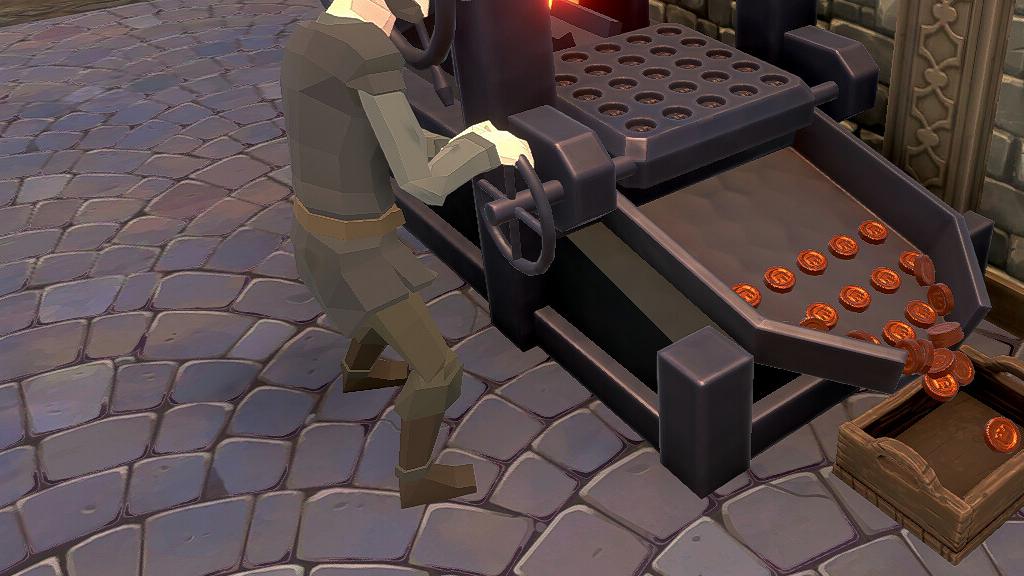
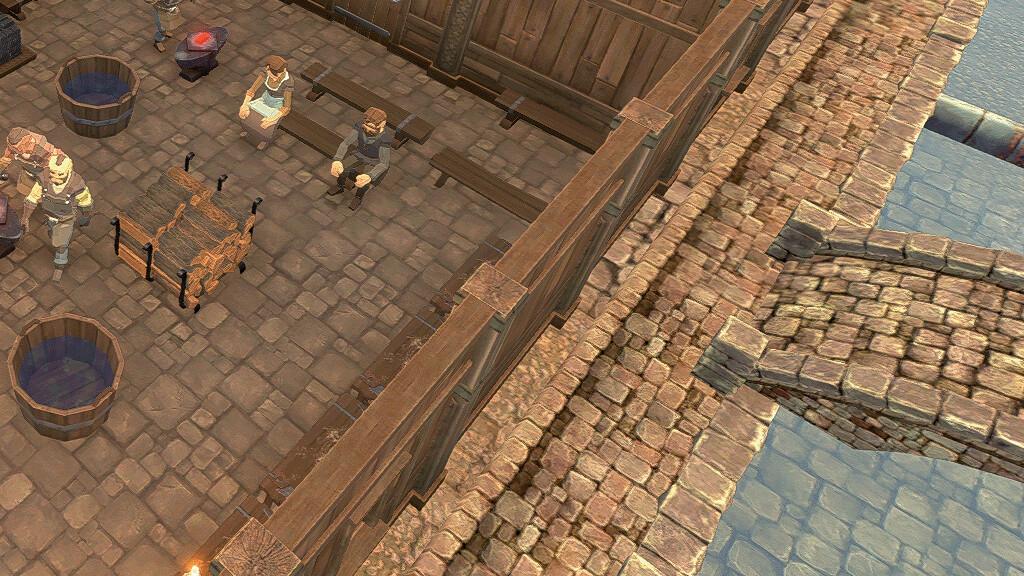
The listed specs describe an empty shop. A packed late-game shop is a CPU problem, not a GPU one.
Minimum requirements (official)
| Component | Minimum |
|---|---|
| OS | Windows 10 64-bit |
| CPU | Intel Pentium G3250 / AMD FX-8350 |
| RAM | 4 GB |
| GPU | NVIDIA GTX 650 (1 GB) / AMD Radeon HD 7770 (1 GB) |
| DirectX | 9.0 |
| Storage | 2 GB |
Platforms: Windows, macOS and Linux. All three are officially listed on the Steam page.
The blacksmith master review→ page goes deeper on the exact numbers and edge cases.
Recommended requirements
| Component | Recommended |
|---|---|
| OS | Windows 10 64-bit |
| CPU | Intel Core i7-6700 / AMD Ryzen 5 3400G |
| RAM | 8 GB |
| GPU | NVIDIA GTX 760 (2 GB) / AMD Radeon RX 550 (4 GB) |
| DirectX | 12 |
| Storage | 2 GB |
The jump from the minimum to the recommended tier is mostly RAM and VRAM, which confirms the late-game bottleneck: more entities on screen, more memory for the simulation.
What those numbers mean in practice
GTX 650 / HD 7770: both are entry-level cards from 2012-2013. Any integrated GPU from the last six or seven years is in the same performance class or better. Intel Iris Xe and AMD Vega integrated graphics will run the game at 1080p with settings down.
Pentium G3250: a dual-core from 2014. The CPU requirement is the more meaningful one, because the simulation scales with worker and customer count. A modern quad-core clears it easily; an old dual-core laptop will struggle at 6x speed.
4 GB RAM: the official minimum, and the floor for Windows 10 itself. The recommended spec asks for 8 GB, which matches what the late game actually uses.
2 GB storage: trivial. The game is small.
The late-game performance question
The simulation tracks every worker, customer, item and path. A ten-person shop on one floor is nothing. A five-floor shop with twelve workers, a full rack floor and a queue at the counter is a different load, and it is CPU-bound.
Signs you are CPU-limited rather than GPU-limited:
- Frame rate drops when you speed up time, not when you rotate the camera.
- The drop is worse at 6x speed than at 1x.
- Lowering graphics settings changes nothing.
If that describes your machine, the fix is fewer workers on screen or a lower speed setting, not a new graphics card.
Graphics settings worth changing
- Resolution scale: the single biggest GPU setting. Drop to 85% before turning off shadows.
- Shadows: cheap to disable and barely visible in a top-down shop.
- Text size: turn it up. The UI is dense and small text is the most common complaint on laptops.
- Camera comfort options: reduce motion if camera pans make you queasy; the game exposes these under accessibility.
Adjustable difficulty, adjustable text size, custom volume controls and a mouse-only option are all listed features, and they are the reason the game plays acceptably on low-end hardware.
Mac and Linux
Both are officially supported on the Steam page, so Linux users do not need a Proton workaround. If you are on an older Intel Mac, check the GPU: integrated Intel graphics from before 2015 may fall below the HD 7770 class.
Should you buy it for an old laptop?
If the laptop has 8 GB of RAM and any dedicated GPU from the last eight years, yes. If it has 4 GB of RAM and integrated graphics from 2016, the game will run at low settings and slow down in the late game, which is exactly when the game is most interesting.
The demo question comes up often: there is no separate demo on the store page, but Steam's refund window covers two hours, which is enough to reach day 5 and see whether the shop UI is comfortable on your screen.
Official source: Blacksmith Master on Steam ↗ — official minimum requirements and platforms. Official source: Hooded Horse: Blacksmith Master ↗ — feature and accessibility list. Official source: Steam Deck HQ coverage ↗ — handheld performance context.
FAQ
Does Blacksmith Master run on 4 GB RAM? It is the stated minimum. Windows will use most of it, so 8 GB is the practical floor.
Is there a Mac version? Yes, macOS is officially supported alongside Windows and Linux.
Is there a demo? No separate demo is listed; use the Steam refund window to test performance.